
Account access
Coursiv Login
Sign in to continue learning AI skills, open your courses, and manage your subscription. Use the same account on web and in the Coursiv app.
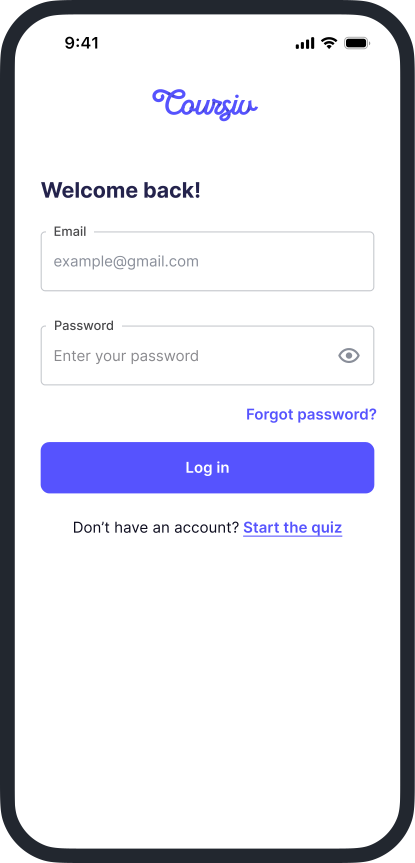

How to Log In
- 1
Open the official Sign-In page
Go to the Sign-in page on your browser, or launch the Coursiv app on your phone.
- 2
Enter your email and password
Use the email address you registered with. If you bought access through the website, that same email is your login.
- 3
Continue learning
Once you are signed in, you can open your courses, track progress, and update subscription settings from your profile.
New to Coursiv?
Answer a few questions and get a personal AI learning plan built for your goals.
Prefer the mobile app?
Download Coursiv and sign in with the same account you use on the website.
Frequently asked questions
Sign in on the web at the Coursiv sign-in page, or open the Coursiv mobile app and use the same email and password.